Four independent stems
Play, mute and download every stem separately.
Separate music, generate voices and keep the whole experience cinematic, bright and fast.
or click to choose a file
◆ Input files are deleted after processing.
Play, mute and download every stem separately.
Record audio directly, then separate it instantly.
Temporary audio files are removed automatically.
Create a ready production script, send it to Voice Lab, then continue in the manual Video Editor.
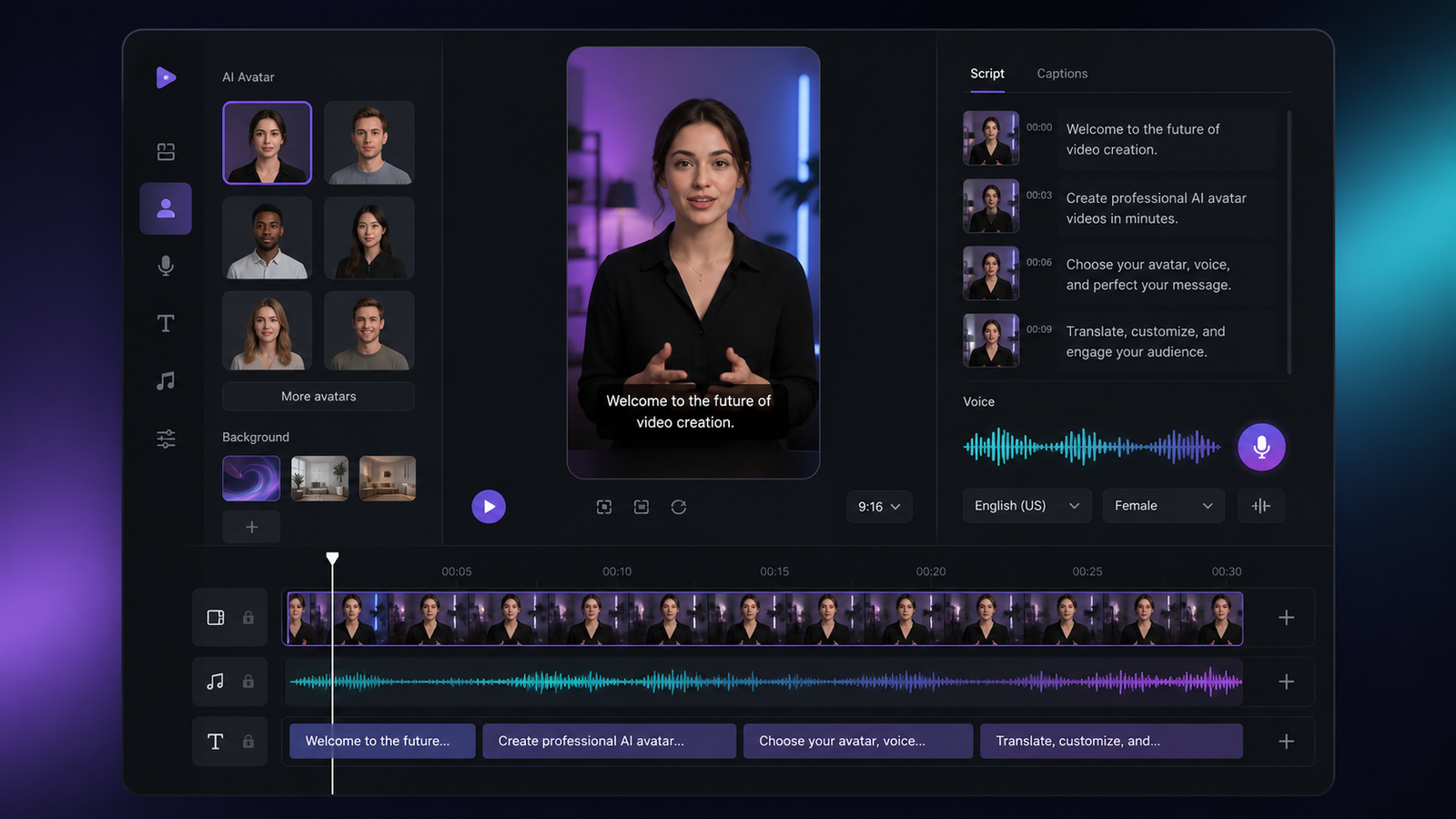
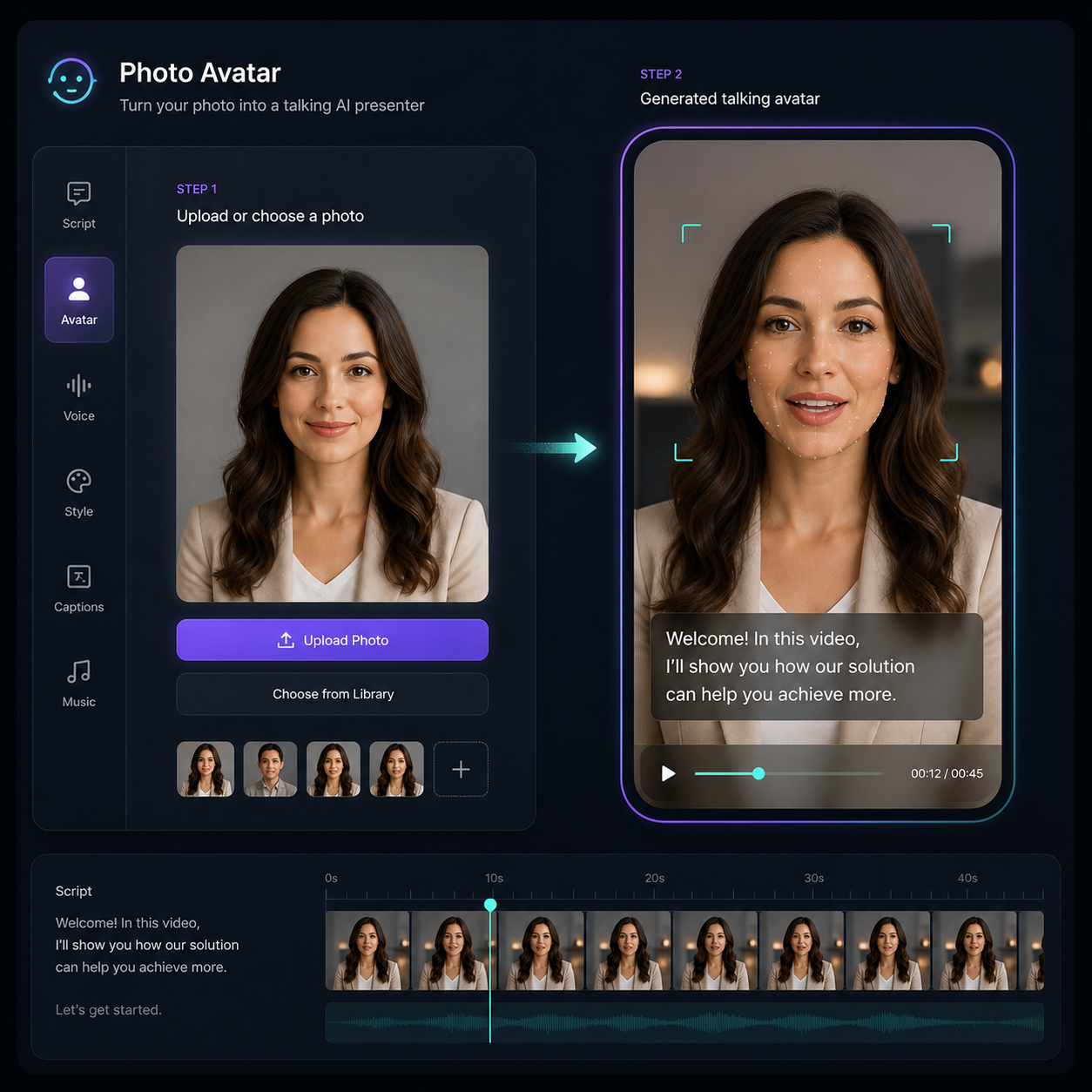 Photo Avatar
Upload a portrait and prepare it for a talking presenter workflow.
Photo Avatar
Upload a portrait and prepare it for a talking presenter workflow.
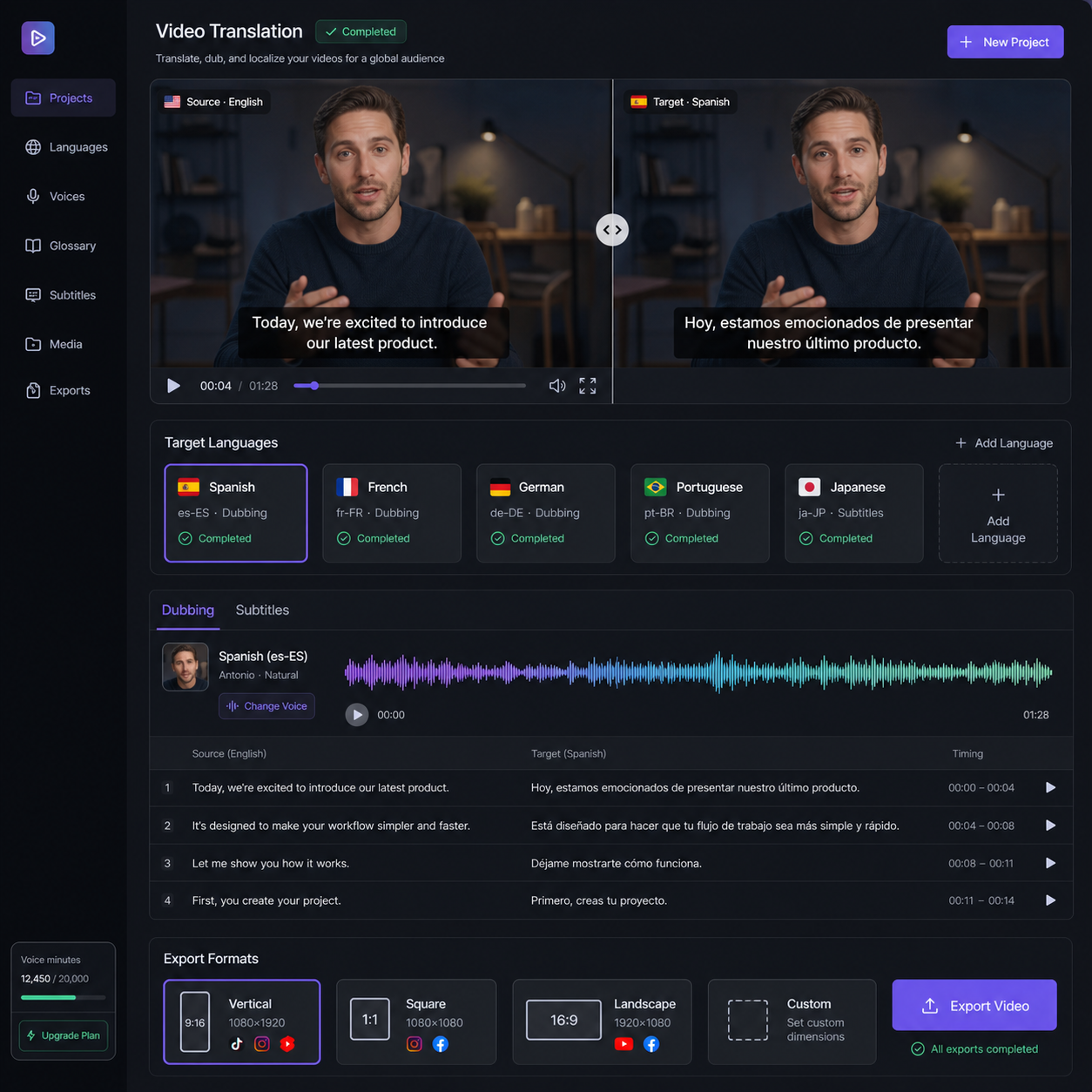 Translate and Dub
Plan subtitles, voice, language and social exports before editing.
Translate and Dub
Plan subtitles, voice, language and social exports before editing.
Choose language, voice, reading style and download the generated audio.
Upload a clear sample of your own voice, write text, then generate a downloadable voice draft.
Ready. Use only voices you own or have permission to use.
Upload a video file or paste a direct video URL. If the video contains embedded subtitles, AuraWave will extract them and give you a download link.
Ready to extract subtitles.
Upload audio or video, choose its language, and receive a transcript you can copy or download.
Choose an audio file to begin.
Online payment activates after Stripe keys are added on the server.
Sign in as the site owner, then manage the full platform from one private dashboard.